Search Tips



Updating Connectivity Software
Updates are sent Over the Air (OTA) but can be dismissed. If you dismiss the OTA update, follow these steps to initiate a software update.
- From the main menu tap Advanced.
-
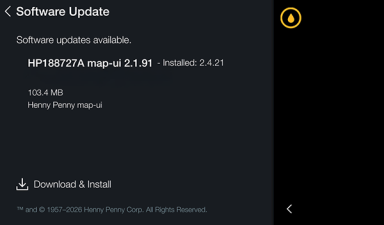
Tap Software Update.
-
On the Software Update screen, tap Download & Install to begin the software update process.
The update will go through three steps:
-
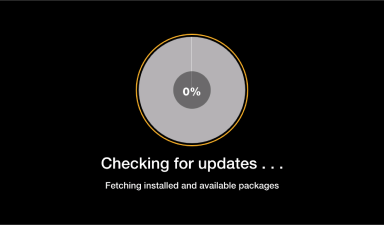
Checking for updates
-
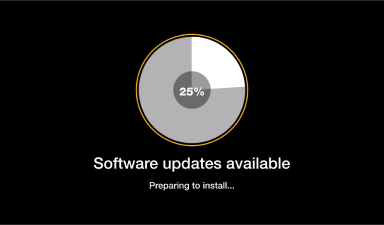
Software updates available
-
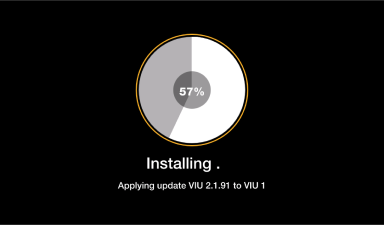
Installing
-