Search Tips



Managing Over the Air Connectivity Software Updates
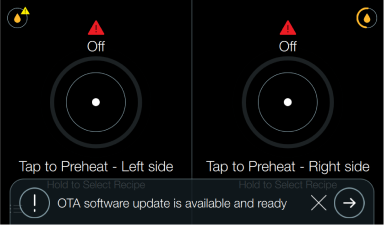
When a new software update is released, an Over the Air (OTA) update will be sent out by Henny Penny. A message will display on the control of the fryer, prompting the operator to update. Operators can choose to temporarily ignore the update or continue with the update process.
Perform the update when no cooking is being done. The update process stops all other fryer operation.
-
Choose one of the following:
-
Tap the X to temporarily dismiss the prompt.
-
Tap the arrow to update the connectivity software.
-
-
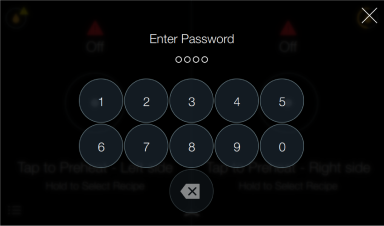
If you select install, the enter password screen displays. Enter code 1234.
-
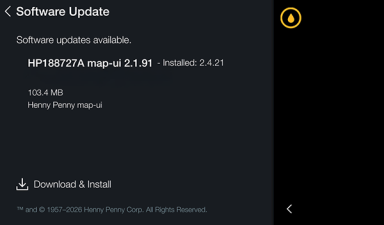
On the Software Update screen, tap Download & Install to begin the software update process.
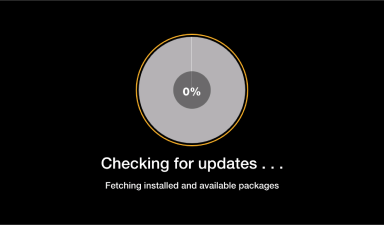
The update will go through three steps:
Checking for updates
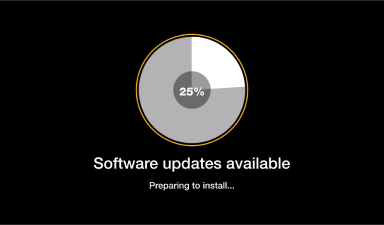
Software updates available
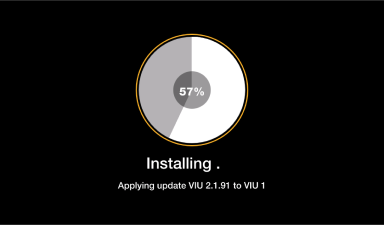
Installing
If you have dismissed the OTA software update and need to access it again, refer to Updating Connectivity Software.